

Your estate agency website should help buyers find suitable properties, encourage sellers to request valuations and give landlords confidence in your services.
That requires more than an attractive homepage. Property searches, enquiry forms, mobile layouts and connections to your agency software all influence how useful the website is to customers and your team.
In this guide, we explain what to include in an estate agent website, which WordPress plugins are worth considering and how specialist software can support your agency.
If you are looking for a professional web developer with expertise in building estate agent websites, get in touch with Developer Rocket today.
What Makes a Good Estate Agent Website?
A good estate agent website makes it easy for different visitors to complete their next step.
Buyers and tenants need to search properties and arrange viewings. Sellers and landlords need to understand your services and request a valuation.
Your website should provide clear routes for each audience, supported by useful information, straightforward navigation and visible contact details.
Our approach to estate agent website design starts with these customer journeys, so the design supports both property enquiries and potential new instructions.

Make Valuation Requests Easy to Find
If your agency wants more instructions, requesting a valuation should be one of the clearest actions on your website.
Include a prominent “Book a Valuation” button in your navigation, alongside relevant calls to action on your selling, lettings and local area pages.
Keep the form focused on the information your team needs to respond:
- The visitor’s name
- Their contact details
- The property address or postcode
- Whether they want a sales or rental valuation
- Their preferred contact method
Explain what happens after submission. An appointment request, an in-person valuation and an automated estimate are different services, so visitors should understand which one they are requesting.
Include a Straightforward Property Search
Buyers and tenants should be able to find relevant properties without working through complicated filters.
Start with the essentials: location, price, bedrooms, property type and whether the visitor wants to buy or rent.
Additional filters can help when they suit your stock, but avoid overwhelming the initial search with too many options.
Property results should clearly display the main photograph, price, location and key details. Make property status labels easy to understand, including whether a home is available, under offer or let agreed.
When a search returns no results, offer a useful next step. Visitors could broaden their criteria, register their requirements or contact your team.
Create Property Pages That Encourage Viewing Enquiries
A property page should help someone decide whether the home could suit them.
Alongside clear photography, include a useful description, key features, floorplans, available energy performance information and relevant property details.
Make viewing enquiries easy to submit. Passing the property reference into the form automatically saves visitors from typing information your website already knows.
Check the experience on mobile, too. Photographs should be easy to browse, floorplans should open at a readable size and contact buttons should remain accessible.
Which WordPress Plugins Are Useful for Estate Agents?
WordPress can provide a flexible foundation for an estate agency website. The right plugin selection depends on your listings, existing software and the features you need.
A practical setup usually combines a property plugin with tools for enquiries and search engine optimisation.
Property Hive for Listings and Property Searches
Property Hive is a WordPress property plugin designed for estate agency websites.
It provides a foundation for managing property listings and presenting them on your website. Its free core plugin can be extended with paid functionality for more advanced requirements.
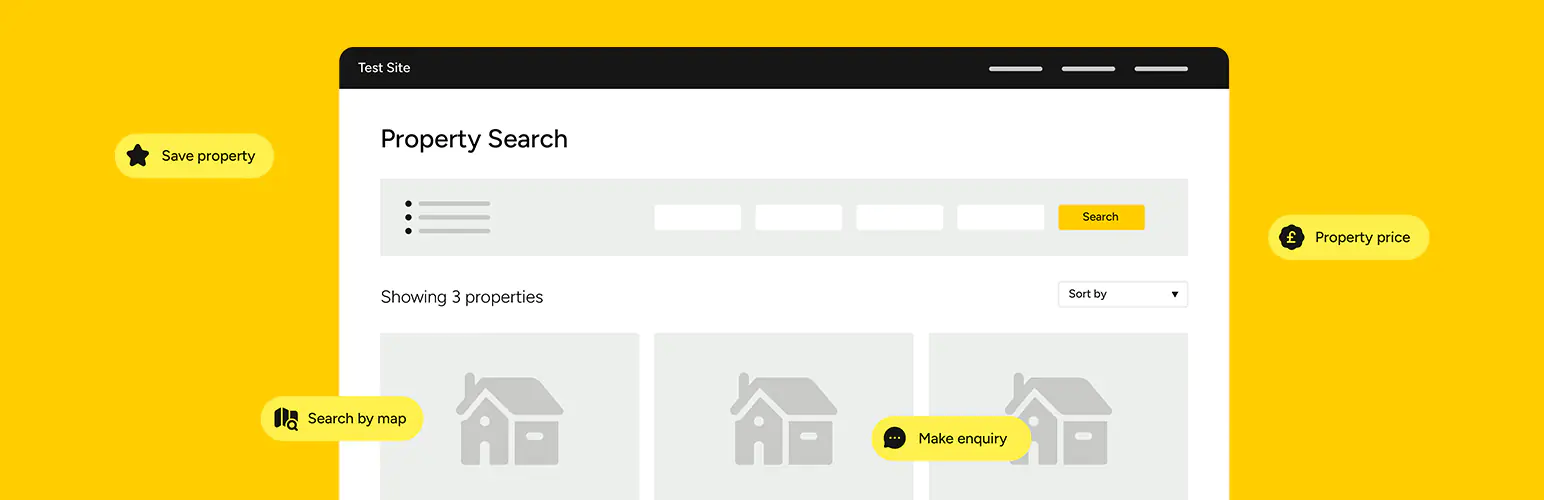
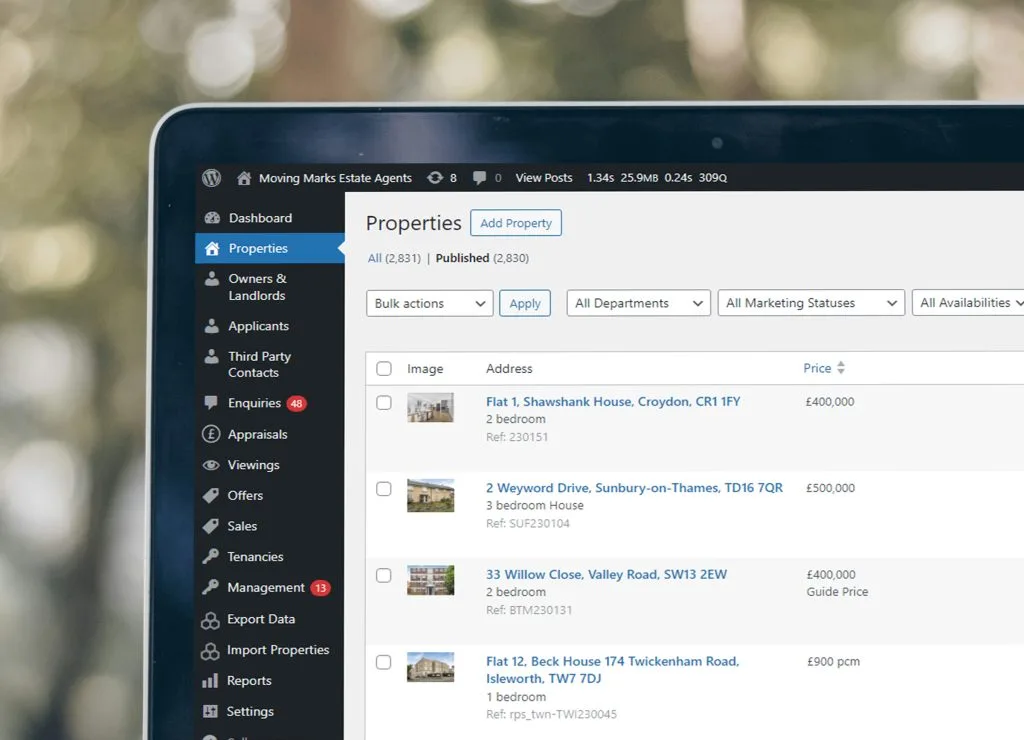
For agencies already managing properties in a separate CRM, Property Hive offers property import functionality for supported systems and feed formats.
This can reduce the need to enter the same listing information manually in multiple places.
Before choosing your setup, check which features require a paid subscription. Property imports, portal feeds and advanced website tools may involve additional costs.
For a closer look at the platform, read our guide to setting up Property Hive in WordPress.
WPForms for Valuation and Contact Forms
A form builder such as WPForms can be useful for valuation requests, landlord enquiries and general contact forms.
For example, your form could ask whether someone wants to sell or let a property, then display relevant follow-up questions.
WPForms supports conditional logic, subject to the appropriate licence and configuration. This allows fields to appear based on a visitor’s answers.
Keep forms focused and test every route before launch. Check that the correct person receives notifications and that visitors see a clear confirmation after submitting.
If your property plugin already provides suitable viewing enquiry forms, use those where they handle property references and listing context more effectively.
Yoast SEO for Search Engine Optimisation
Yoast SEO is one option for managing search-related settings on a WordPress website.
Its XML sitemap functionality helps search engines discover the pages and content types you want included.
An SEO plugin is a supporting tool. Your website still needs useful content, a sensible page structure, relevant internal links and a good user experience.
For property websites, pay particular attention to which listing pages, archives and search results should be available to search engines. Avoid applying the same settings to every content type without reviewing their purpose.
Estate Agency Software to Consider Alongside Your Website
Your website is one part of your agency’s wider systems.
A CRM helps manage contacts, properties and ongoing work. Your website presents information publicly and captures enquiries. Connecting them can reduce administration, provided the integration supports the tasks you need.
Street.co.uk
Street.co.uk is an estate agency CRM worth considering when reviewing your agency’s software.
Its integration directory includes connections to other estate agency tools, while its website lead options include API-based connections.
For a website project, establish how property information will reach the site and how enquiries will return to the agency.
These are separate requirements. A connection that imports listings does not automatically mean valuation requests or viewing enquiries will also appear in the CRM.
Ask your developer and software provider to confirm the complete workflow before development begins.
Alto
Alto provides software covering sales, lettings and property management.
Its product features include applicant matching, diary management and sales progression tools.
For agencies using Alto, the website brief should explain how listings will be imported, which information needs to be displayed and how updates will be handled.
Property Hive lists Alto among its supported property import options, but the feed, access requirements and available fields should be confirmed for your agency’s setup.
If your current CRM already works well, begin by exploring its website integration options. A website redesign does not necessarily require changing the systems your team uses every day.
Check Exactly What Each Integration Does
“CRM integration” can describe several different functions.
Before approving a website proposal, ask whether the connection includes:
- Importing new property listings
- Updating prices and descriptions
- Updating availability and property status
- Removing withdrawn properties
- Importing photographs and floorplans
- Sending viewing enquiries to your CRM
- Sending valuation requests to your CRM
Also establish how frequently updates run and who handles failures.
Importing listings from a CRM, publishing listings to property portals and returning website enquiries to your CRM are separate processes. Your specification should identify which ones are included.
Build Useful Pages for Your Locations and Branches
Your website should demonstrate your knowledge of the areas you serve.
Create dedicated branch or location pages where you have useful information to share. Include relevant services, team details, contact information and links to local properties.
Area guides can also help visitors understand transport connections, amenities and the character of different neighbourhoods.
Avoid publishing near-identical pages with only the town name changed. Each page should answer questions relevant to the people considering that location or branch.
For example, a landlord service page could explain your local management offering, introduce the team and provide a clear route to request a rental valuation.
Show the People Behind Your Agency
Selling or letting a property is a significant decision. Your website should help visitors understand who they will be working with.
Include genuine team photographs, useful staff profiles and a clear explanation of your process.
Customer reviews, examples of your property marketing and relevant professional memberships can provide further reassurance.
Use specific, supportable details. Explain how you communicate with clients, prepare properties for marketing and handle enquiries.
When choosing a website provider, review their previous projects too. You can view Developer Rocket’s work to see examples of our website design and development.
Make Mobile Usability and Speed Part of the Brief
A website needs to work comfortably on a phone, including its property search, galleries and forms.
Test the tasks customers need to complete:
- Requesting a valuation
- Changing property search filters
- Opening a floorplan
- Browsing photographs
- Calling a branch
- Submitting a viewing enquiry
Large images, maps and external scripts can affect performance, so they need careful implementation.
Prepare images for their display size and avoid loading unnecessary features on every page. Hosting, maintenance and the way the website is built also deserve attention.
Track Enquiries as Well as Visits
Visitor numbers only tell part of the story.
Your reporting should help you understand whether people are taking useful actions, including valuation requests, viewing enquiries and landlord enquiries.
Measure these separately because they represent different opportunities for your agency.
Where possible, follow the enquiry through your internal process. How many valuation requests become appointments, and how many appointments lead to instructions?
Record telephone link clicks as clicks rather than completed calls. Likewise, count successful form submissions rather than every click on a submit button.
This gives you a more useful basis for improving the website.
How Much Does Estate Agent Website Design Cost?
The cost depends on your content, design requirements, property integrations and ongoing support.
A single-branch website with straightforward listings will have a different scope from a multi-branch platform with map searches, property alerts and CRM connections.
When comparing proposals, check whether they include:
- Design and development
- Content creation or migration
- Property feed configuration
- Plugin licences and software subscriptions
- Hosting and maintenance
- Search engine optimisation
- Enquiry tracking
- Training and ongoing support
Our website pricing page explains our general pricing approach. Estate agency requirements should be scoped individually, particularly where paid property tools or third-party integrations are involved.
Planning Your Estate Agency Website
Start by identifying what your current website makes difficult.
Perhaps sellers struggle to find the valuation form, property updates take too much administration or your mobile search is awkward to use.
Those problems should guide the project. Choose plugins and software because they support a clear requirement, and confirm how the tools will work together before committing to them.
At Developer Rocket, we help estate and letting agencies plan websites around their customers, services and existing systems.
Explore our estate agent website design services or tell us about your project to discuss your requirements.
Frequently Asked Questions
Is WordPress suitable for estate agent websites?
WordPress can be suitable for estate agency websites requiring property listings, searches, service pages and enquiry forms. The right setup depends on your CRM connections, required features and ongoing maintenance arrangements.
Which WordPress plugin can estate agents use for property listings?
Property Hive is one option designed for estate agency websites. Review its core features and paid functionality against your requirements, particularly if you need CRM imports, portal feeds or advanced property searches.
Can my website connect to Street.co.uk or Alto?
Connections may be available through supported feeds, plugins or APIs. Confirm the exact requirements with your developer and CRM provider, including whether the setup covers listing imports, enquiry delivery or both.
Do estate agents need a CRM as well as a website?
They serve different purposes. Your website helps people discover your agency, browse properties and submit enquiries. A CRM supports the internal management of contacts, properties and ongoing work. Whether you need a separate CRM depends on your agency’s processes and existing tools.
Will installing an SEO plugin improve my rankings?
An SEO plugin can help manage settings such as sitemaps and page metadata. Rankings also depend on the website’s content, structure, technical condition, competition and other factors. Installing a plugin alone does not guarantee better visibility.